
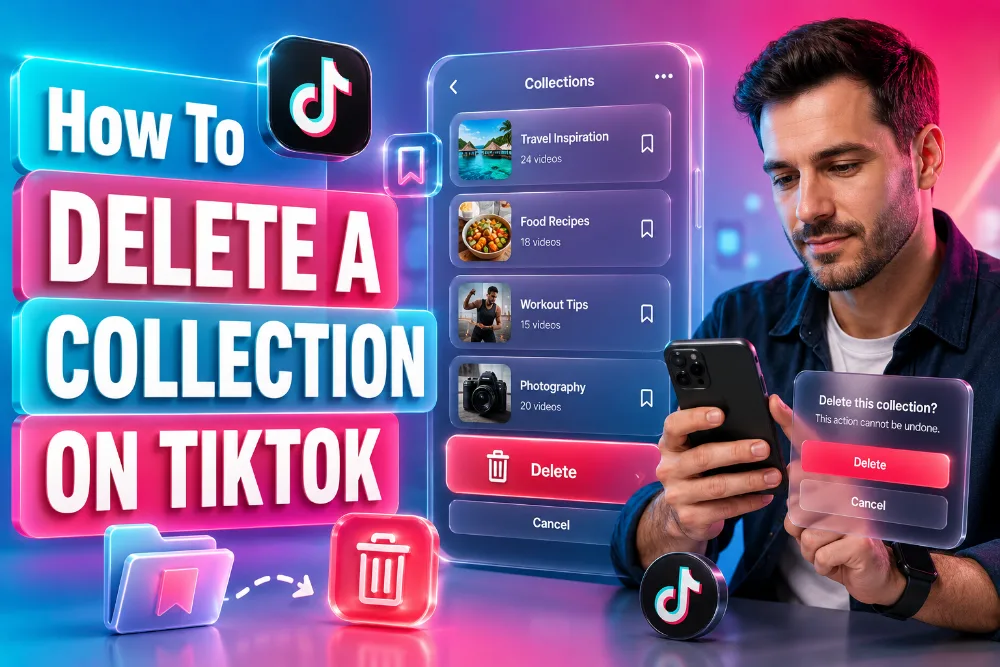
TikTok collections are a great way to save your favorite videos and organize them for future reference. However, over time, you might find that some of the collections you’ve created are no longer necessary or relevant.
If you’re wondering how to delete a collection on TikTok, you’re in the right place. In this guide, we will walk you through deleting a TikTok collection and offer additional tips for managing your favorite content effectively.
TikTok Collections
TikTok collections allow users to organize their favorite videos into different categories. This feature makes it easy to access content you enjoy or want to revisit later. Collections are private by default, which means only you can see them unless you decide to share them with others. As your preferences evolve, you may need to remove or delete collections that no longer serve a purpose.
To learn how to delete a collection on TikTok, it’s important to understand the basics of creating, organizing, and managing these collections. You can always modify the privacy settings or move videos between collections before deciding to delete them.
If you’re struggling to figure out how to organize your saved TikTok videos, you may find that using a tool like TikTok Story Viewer can help you get a clearer picture of your saved content, making the process of deciding what to delete much easier.
How to Delete a Collection on TikTok (Step-by-Step Guide)
Deleting a collection on TikTok is straightforward. Here’s how you can do it:
- Open TikTok: Launch the TikTok app and go to your profile by tapping the “Profile” icon at the bottom right.
- Access Favorites: On your profile page, tap the “Favorites” tab, which is where all your saved content resides.
- Select the Collection: Within the “Favorites” tab, you’ll see all the collections you’ve created. Tap on the collection you wish to delete.
- Delete the Collection: Once you are in the collection, tap the three dots in the top-right corner. From the options that appear, select “Delete Collection.”
- Confirm Deletion: You’ll be prompted to confirm the deletion. Once confirmed, the collection will be permanently removed from your profile.
This simple process keeps your collections tidy and prevents clutter on your profile. TikTok also lets you delete individual videos from your collection without deleting the entire collection, which is useful if you just want to clear out certain content.
Managing Your TikTok Collections Efficiently
When it comes to managing your collections, the process can be as simple or as organized as you want. Here are a few additional tips to help you manage your TikTok collections more effectively:
- Create New Collections: If you find yourself saving a lot of videos, consider creating specific collections for different categories. You can name them based on themes like “Funny Videos,” “Dance Routines,” or “Educational Content.”
- Move Videos Between Collections: If a video doesn’t quite fit the collection it was originally placed in, you can easily move it to another collection. Simply open the collection, tap on the video, and select the option to move it to a different one.
- Edit Collection Names: TikTok lets you change your collection names at any time. If your collection theme has changed, simply rename it to reflect the new purpose.
If you’ve been wondering how these features work and want to explore more about managing your content on TikTok, consider checking out how content generators work and how to use them effectively. This guide can help streamline your TikTok experience even further.
Why You Should Regularly Review Your Collections
It’s important to regularly review your TikTok collections. As you discover new content or your preferences change, you might want to clean up your collections to keep them relevant and organized. By deleting collections that no longer serve a purpose, you free up space for new ones that better align with your interests.
Moreover, regularly updating your collections can help you stay organized and save time when searching for videos you want to revisit. You can ensure that the content you want to keep is always easy to access and neatly categorized.
If you’re interested in learning more about how tools can help manage content, you may find it useful to explore how AI supports online content creation. AI-driven tools can simplify content management and enhance your overall TikTok experience.
What Happens When You Delete a Collection?
Once a collection is deleted, all the videos within it are removed from that collection. However, the videos themselves are not deleted from TikTok entirely. They remain in your general “Favorites” tab unless you decide to remove them manually.
This is a good way to organize your saved content without permanently losing any videos that you may want to revisit later. Deleting a collection is a non-destructive process for the videos themselves, giving you flexibility in how you manage your saved content.
If you’re still curious about how to organize your TikTok feed and delete unwanted collections, tools like TikTok Story Viewer can give you a closer look at what’s in your collections and help you decide what’s worth keeping.
Conclusion
Knowing how to delete a collection on TikTok is an essential skill for anyone who wants to keep their account organized and easy to navigate. By deleting outdated collections and managing your content effectively, you ensure that your TikTok experience remains fresh and enjoyable. Remember to take advantage of the many tools available to help you stay on top of your saved videos and keep things organized.
Make sure to review your collections regularly to avoid clutter and enhance your overall TikTok experience. Stay on top of your favorite videos by organizing and deleting collections as needed. Happy TikToking!
FAQs
How do I delete a TikTok collection?
To delete a TikTok collection, go to your “Favorites” tab, select the collection you want to remove, tap the three dots, and choose “Delete Collection.” Confirm the deletion, and your collection will be removed.
Can I delete individual videos from a collection on TikTok?
Yes, you can delete individual videos from a collection without deleting the entire collection. Go to the collection, select the video, and tap the delete option. This way, only the video is removed, not the collection itself.
Are TikTok collections private by default?
Yes, TikTok collections are private by default. Only you can see the videos saved in your collections unless you decide to share them. You can also modify the privacy settings of each collection anytime.
Can I move videos between different collections on TikTok?
Yes, TikTok allows you to move videos between collections. Simply go to the collection, tap on the video, and choose the option to move it to another collection. This helps you organize content more efficiently.
How do I organize my TikTok collections effectively?
You can organize your TikTok collections by creating different folders for specific themes, such as “Dance Challenges” or “Funny Videos.” Regularly review and delete unnecessary collections to maintain an organized, clutter-free account.
Do I lose the videos when I delete a TikTok collection?
No, deleting a collection does not remove the videos from TikTok. The videos remain in your “Favorites” unless you manually delete them. Only the collection’s organizational structure is deleted, not the actual content.
How do I edit the name of a TikTok collection?
To edit the name of a TikTok collection, open the collection, tap the three dots, and choose “Edit.” Change the name to whatever suits you best. This feature allows you to keep collections relevant and well-organized.
Can I delete a collection permanently on TikTok?
Yes, once you delete a collection on TikTok, it is permanently removed from your account. However, the videos in the collection will remain in your “Favorites” unless you manually delete them.
How do I create a new collection on TikTok?
To create a new collection, go to the “Favorites” tab, select “Create new collection,” give it a name, and start adding videos. You can organize these videos by theme and easily access them later.
What happens if I delete a collection on TikTok by mistake?
If you accidentally delete a collection, it cannot be undone. The videos remain in your “Favorites,” but the collection’s organizational structure is lost. Consider carefully before deleting, especially if the collection is well-organized.